
Ever felt like budgeting is just throwing numbers into a black hole? You’re not alone. Most of us have been there—spending hours tweaking spreadsheets, only to feel defeated when our savings account stays as empty as a coffee pot on Monday morning. Spoiler alert: It doesn’t have to be this hard. If you’re ready to finally conquer your finances, combining a solid weekly budget template with the power of personal finance coaching apps might just save your wallet—and sanity.
Table of Contents
- Why Budgeting Fails (and What You’re Doing Wrong)
- Step-by-Step Guide to Using a Weekly Budget Template
- Tips for Maximizing Your Weekly Budget Template
- Real-Life Success Stories from Coaching App Users
- Frequently Asked Questions About Weekly Budget Templates
Key Takeaways
- A weekly budget template helps break down overwhelming goals into manageable steps.
- Coaching apps add accountability and automation to streamline financial planning.
- Mistakes happen—like overspending—but they’re fixable with structured tools and guidance.
- Avoid toxic budgeting habits like ignoring small daily expenses; treat yourself once in a while!
Why Budgeting Fails (and What You’re Doing Wrong)
“I once tried creating my own Google Sheets budget—it lasted exactly two days. Then Taco Tuesday happened.” Sound familiar? Budgets fail because life happens. Without structure or support, even the most beautifully designed weekly budget template becomes another abandoned spreadsheet graveyard.
Here’s why so many budgets end up failing:
- No Accountability: No one bats an eye if you “accidentally” forget to update those cells.
- Lack of Personalization: Generic templates rarely fit unique lifestyles.
- No Fun Factor: Depriving yourself completely leads to burnout. Trust me—I’ve eaten cold cereal for dinner too many times trying to “save money.”
But here comes the twist: Coaching apps solve ALL these problems.
The Grumpy Optimist Dialogue
Optimist You: “These apps will change everything!”
Grumpy You: “Yeah, yeah—but do they serve tacos?”*
Step-by-Step Guide to Using a Weekly Budget Template
Time to roll up your sleeves. Here’s how to create and use a weekly budget template effectively—with coaching apps taking the wheel:
Step 1: Decide Your Financial Goals
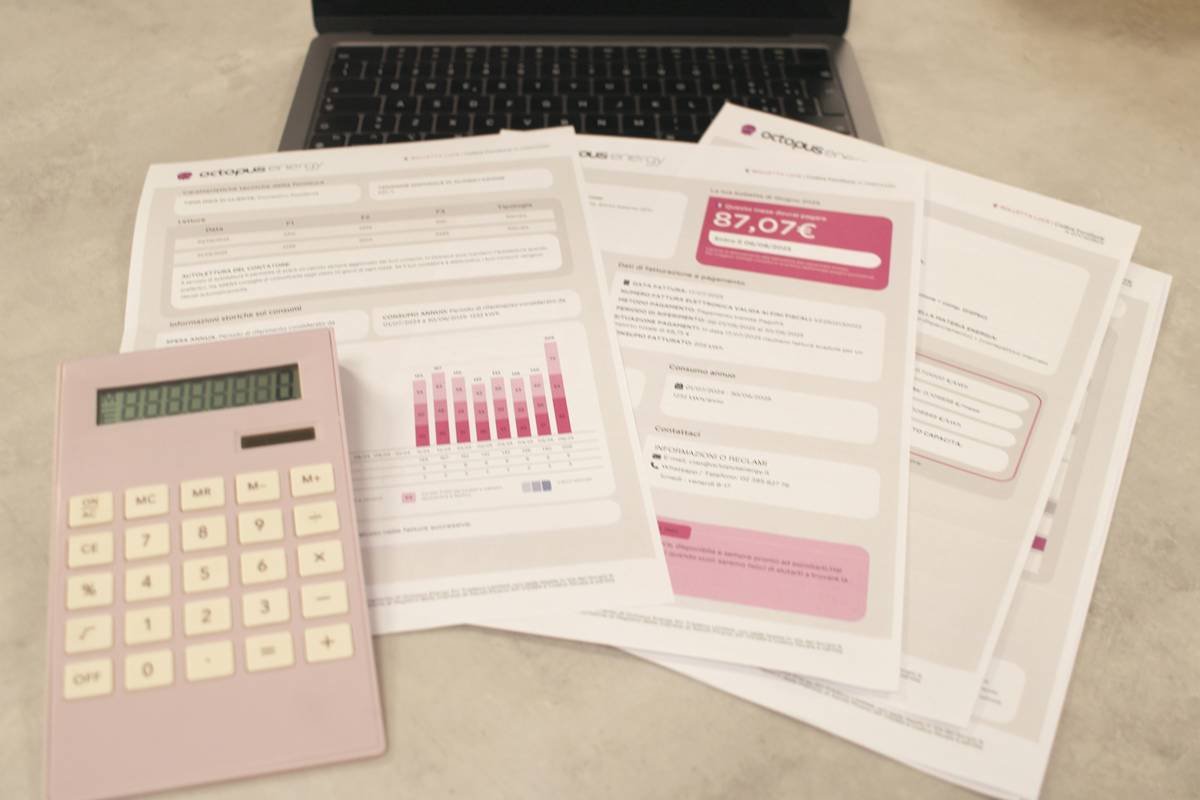
Be specific. Want to save $1,000 for emergencies? Pay off credit card debt? Maybe you just want guilt-free brunches. Write it down!
Step 2: Plug Into A Weekly Budget Template
If you don’t already have one, download a customizable weekly budget template online. Use Excel, Google Sheets, or better yet—an integrated coaching app.
Step 3: Sync Your Coaching App
Apps like PocketGuard or YNAB (You Need A Budget) are game-changers. They pull data directly from your bank accounts and categorize spending automatically. This means no more manually entering every single latte purchase. Chef’s kiss for drowning complexity.
Step 4: Review & Adjust Regularly
Set aside 5 minutes each week to review progress against your weekly budget template. Did you crush your savings goal? Great! Over-spent last weekend? No shame—just tweak next week’s plan.
Tips for Maximizing Your Weekly Budget Template
Want bonus points for mastering your weekly budget template? Follow these pro tips:
- Prioritize Non-Negotiables First: Rent/mortgage, utilities, groceries.
- Create “Fun Money”: Allot cash specifically for spontaneous fun. Pizza delivery at midnight counts.
- Avoid Over-Categorization: Too many categories mean chaos. Keep it simple.
- Use Automation: Set up automatic transfers to savings and bill payments.

Real-Life Success Stories from Coaching App Users
Meet Sarah, a freelance writer who used her weekly budget template paired with Mint to pay off $8,000 in student loans in under two years. Her secret weapon? Automating contributions to her emergency fund AND treating herself to yoga classes (guilt-free).
And then there’s Jake, who thought budgeting was useless until he signed up for Cleo—a sassy AI coach. His weekly check-ins went from whirrrr-inducing stress sessions to smooth victories. By sticking to his weekly budget template, he doubled his savings rate within three months.

Frequently Asked Questions About Weekly Budget Templates
What makes a good weekly budget template?
An effective weekly budget template should include income sources, fixed expenses, variable costs, and savings goals. Simplicity reigns supreme.
Are free budgeting apps worth it?
Mostly? Yes! Apps like Mint, PocketGuard, and Spendee offer robust free versions that integrate seamlessly with weekly budget templates.
How often should I update my weekly budget?
At least once a week. Regular updates ensure accuracy and flexibility to adapt to unexpected events (like surprise dog vet bills).
Conclusion
Budgeting doesn’t need to suck the joy out of adulting. With the right combination of a rock-solid weekly budget template and supportive coaching apps, you can take control of your finances without losing your mind—or your love for tacos.
So grab that coffee (you earned it!), open up your new template, and start building wealth one burrito at a time.
Like Pikachu leveling up, your finances grow stronger with consistent care.

