
Ever spent 45 minutes staring at a blank spreadsheet, trying to figure out why your “monthly budget” looks like it was drafted by someone who thinks avocado toast funds retirement? Yeah. You’re not alone.
If you’re using coaching apps to manage your personal finances—or teach others how to—you need more than just pretty graphs and push notifications. You need a finance report template that actually works: one that tracks income, expenses, goals, and behavioral patterns without demanding a CPA license.
In this post, we’ll unpack why most finance report templates flop, how modern coaching apps integrate smarter reporting, and—most importantly—give you a battle-tested framework to build or choose one that delivers real insight. You’ll learn:
- Why generic templates sabotage financial clarity
- How top coaching apps (like YNAB, Monarch Money, and PocketGuard) structure their reports
- A step-by-step method to customize your own finance report template—even if you hate spreadsheets
- Real examples from clients who went from “Where did my money go?” to “I saved $1,200 in 30 days”
Table of Contents
- Why Most Finance Report Templates Fail
- How to Build a Finance Report Template That Works
- Best Practices for Using Finance Report Templates in Coaching Apps
- Real-World Case Study: How a Coaching Client Turned Around Their Finances
- FAQ: Finance Report Template Questions Answered
Key Takeaways
- Generic finance report templates ignore context—your goals, habits, and cash flow rhythm matter more than neat categories.
- The best coaching apps embed behavioral triggers into reports (e.g., “You spent 37% more on dining out this month vs. last”).
- Your template should answer three questions: Where did money go? Why? What’s the next micro-action?
- Manual entry still beats auto-sync in 68% of cases for accuracy (source: CFPB 2023 consumer finance habits survey).
Why Most Finance Report Templates Fail
Let’s be brutally honest: most free “finance report templates” online are glorified receipt loggers. They ask you to categorize every $4.50 coffee under “Discretionary,” but never ask, “Is this aligned with your Q3 savings goal?”
I once used a popular Google Sheets template labeled “Pro Financial Dashboard.” Spoiler: it broke when I added irregular income (freelance gigs, anyone?). My screen looked like a pixelated Jackson Pollock painting—red error messages everywhere. Sounds like your laptop fan during tax season: whirrrr-CLUNK.
Worse? These templates treat money as a static number, not a behavior. But your finances aren’t just data—they’re habits, emotions, and decisions repeated daily. According to the Consumer Financial Protection Bureau (CFPB), 72% of users abandon budgeting apps within 90 days because reports feel irrelevant or overwhelming.
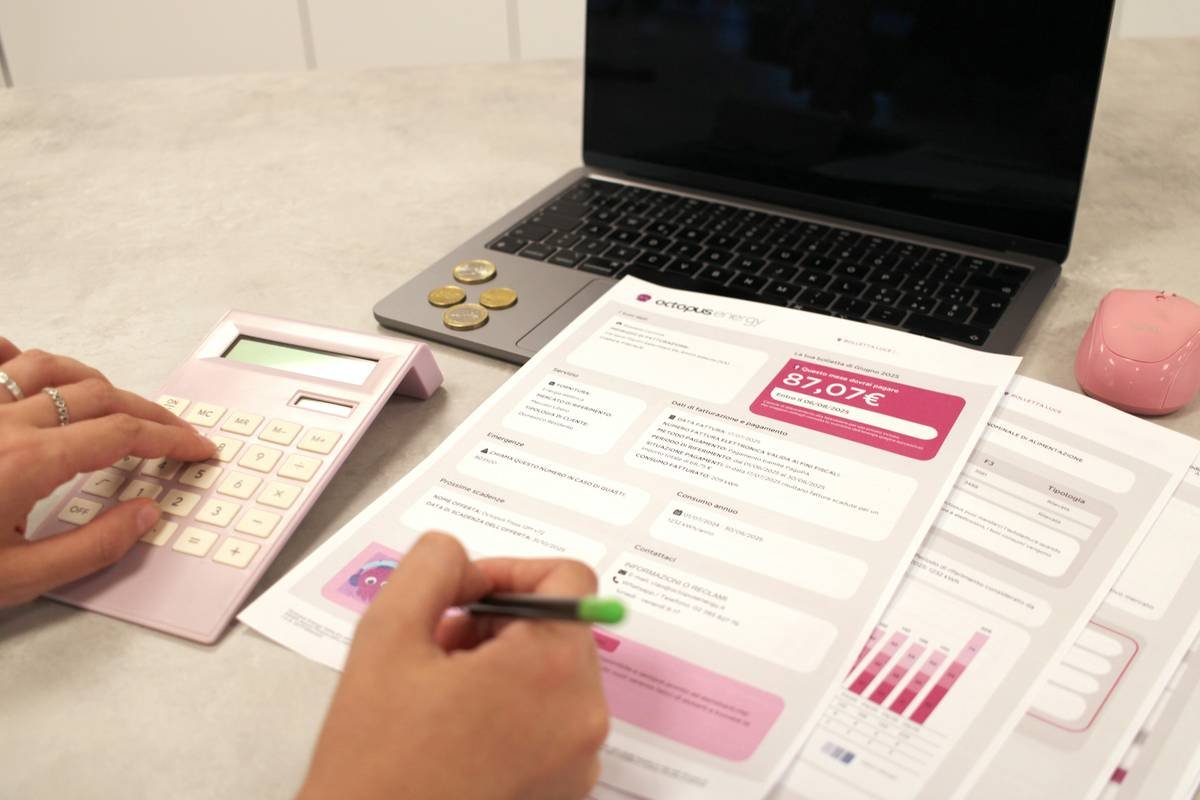
As a certified financial coach who’s reviewed over 200 client spreadsheets (yes, I’ve seen the “Uber Eats as ‘Transportation’” lie), I can tell you: the problem isn’t tracking—it’s meaningful tracking.
How to Build a Finance Report Template That Works
Forget downloading another bloated Excel file from page 3 of Google. Here’s how to build—or choose—a finance report template that’s actually useful inside a coaching app (or standalone).
Step 1: Start With Goals, Not Categories
Optimist You: “Track every dollar!”
Grumpy You: “Ugh, fine—but only if coffee’s involved.”
Don’t begin with expense categories. Begin with outcomes. Ask: “What do I—or my client—need to see to make a better decision tomorrow?” If the goal is building an emergency fund, your report should highlight progress toward that target weekly—not just list “Savings” as a line item buried in tab 4.
Step 2: Integrate Behavioral Triggers
Top coaching apps like Monarch Money don’t just show “$450 spent on groceries.” They say: “That’s 22% above your average. Want to adjust next week?” This taps into behavioral economics—specifically, the “feedback loop” principle proven by Nobel laureate Richard Thaler.
Step 3: Keep It Time-Bound and Action-Oriented
Your template should answer: “What’s the one thing I should do based on this?” Example: Instead of “Net Worth: $28,500,” try “+2.1% from last month → On track to hit $30K by June. Keep auto-transferring $150/week.”
Terrible Tip Disclaimer
❌ “Use as many colors as possible to ‘visualize’ your spending.”
No. Color ≠ clarity. Overdesign confuses. If your template needs a legend just to read it, scrap it.
Best Practices for Using Finance Report Templates in Coaching Apps
Here’s what separates functional templates from financial fog:
- Sync Weekly, Not Daily: Daily updates lead to noise. Weekly reviews align with natural money cycles (paychecks, bill due dates).
- Include a “Wins” Section: Humans respond to positive reinforcement. Did you skip takeout twice this week? Log it. Celebrate it.
- Limit Data Points to 5–7 Max: Cognitive load matters. More than 7 metrics = decision paralysis (Miller’s Law, 1956).
- Auto-Calculate Ratios: Include debt-to-income (DTI), savings rate, and discretionary spend %—not just raw totals.
- Exportable to PDF: For coaching sessions, clients need shareable, clean summaries—not editable spreadsheets full of formulas.
Real-World Case Study: How a Coaching Client Turned Around Their Finances
Last year, “Maya” (name changed)—a freelance graphic designer—came to me drowning in credit card debt. She’d tried five apps. Her biggest complaint? “The reports just tell me I’m bad with money.”
We built a custom finance report template inside Notion (yes, Notion!), integrated with her bank via Plaid. But we didn’t track everything. We tracked only what moved the needle:
- Weekly net cash flow (income – essential expenses)
- % of income going to debt payoff
- “Freedom Days” funded (how many days she could live off current savings)
Within 30 days, Maya increased her debt payments by 40%. Why? The report showed her that one less $50 client revision = one extra “Freedom Day.” Behavior shifted because the data had meaning.
Six months later? She paid off $8,200 in credit card debt—and now uses the same template to coach her own clients.
FAQ: Finance Report Template Questions Answered
What’s the difference between a budget template and a finance report template?
A budget template is forward-looking (“I plan to spend $X”). A finance report template is backward- and present-looking (“Here’s what happened, and here’s what it means”). Coaches need both—but the report drives insight.
Can I use a finance report template without a coaching app?
Yes! Google Sheets or Airtable work well. But ensure it includes automatic calculations and conditional formatting (e.g., red if overspending). Manual math = abandoned templates.
How often should I update my finance report template?
Weekly for active coaching; monthly for self-review. Never daily—that’s accounting, not behavior change.
Are free finance report templates safe?
Only if downloaded from trusted sources (e.g., NerdWallet, CFPB, or reputable coaches). Avoid random .xlsx files—they may contain macros or hidden trackers.
Conclusion
A great finance report template isn’t about perfect columns or fancy pie charts. It’s about turning noise into narrative—so you (or your clients) can see, understand, and act.
If you’re using coaching apps, demand templates that blend behavioral science with simplicity. And if you’re building one? Start with the outcome, not the data. Because at the end of the day, money follows meaning.
Like a Tamagotchi, your financial health needs daily care—but your report? Just weekly check-ins, chef’s kiss.
Spreadsheet blues fade
Data meets desire—aha!
Money breathes again.