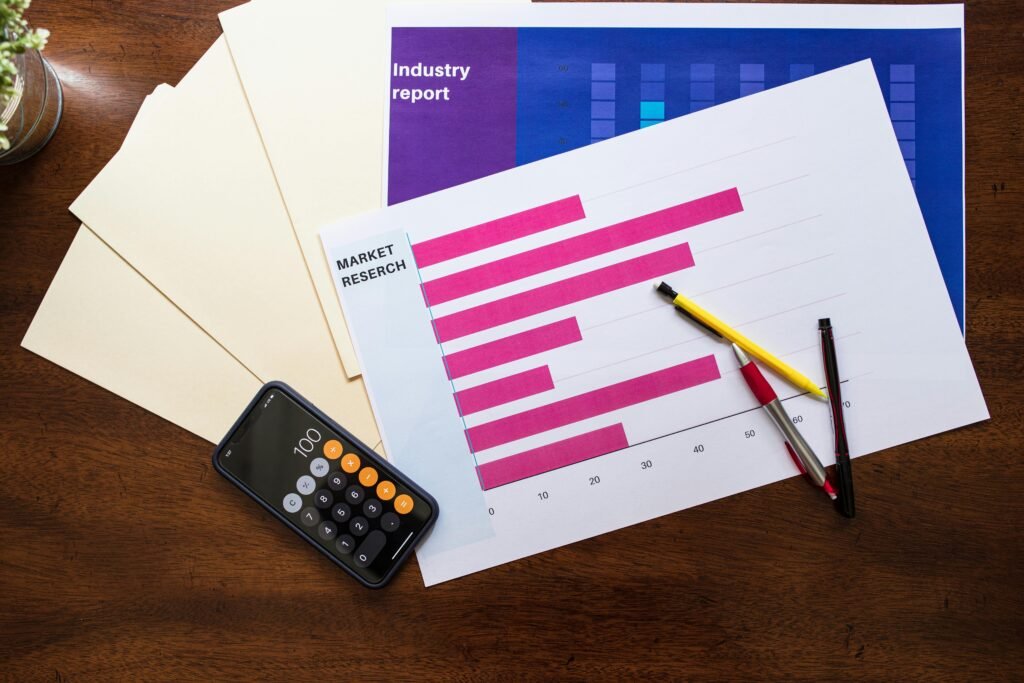
Ever stared at your bank account after a weekend shopping spree and thought, “Where did ALL my money go?” Yeah, us too. But here’s the thing—tracking your spending isn’t just about guilt; it’s about progress. And if you’re using coaching apps to improve your financial literacy, generating a spending progress report is the secret sauce to mastering personal finance.
In this post, we’ll dive deep into why a spending progress report matters, how to create one using top-notch coaching apps, and actionable tips to turn those numbers into real-life wins. By the end of this article, you’ll know exactly how to use these reports to stop overspending and start thriving.
Table of Contents
- The Problem: Why You Need a Spending Progress Report
- Step-by-Step Guide to Creating Your Spending Progress Report
- Best Practices for Interpreting Your Data
- Real-Life Examples of Success Stories
- Frequently Asked Questions About Spending Progress Reports
Key Takeaways
- A spending progress report helps you identify spending patterns and make smarter choices.
- Coaching apps offer automated tools to simplify tracking and analysis.
- Interpreting data without action is like binge-watching tutorials but never filming your own content—it doesn’t work.
The Problem: Why You Need a Spending Progress Report
I once spent $200 on meal prep kits in one month because I was too lazy to cook. When I finally checked my bank statement? Let’s just say there were tears involved. Without visibility into where my money went, I couldn’t fix the issue.
This is why a spending progress report is so critical. According to a survey by NerdWallet, 65% of Americans don’t keep track of their expenses regularly. No wonder budgeting feels impossible!
Enter coaching apps. These platforms not only teach you financial education but also generate detailed spending progress reports that break down categories like groceries, entertainment, subscriptions—the works.

Step-by-Step Guide to Creating Your Spending Progress Report
Optimist You: *”This will be easy!”*
Grumpy You: *”Only if coffee’s involved.”*
Step 1: Choose the Right Coaching App
Not all apps are created equal. Look for features like automatic transaction syncing, categorization, and customizable reporting. Popular options include YNAB (You Need A Budget), PocketGuard, and Mint.
Step 2: Sync Your Accounts
Connect your bank accounts, credit cards, and even investment portfolios. Most apps handle this through secure APIs, so rest assured your info stays safe.
Step 3: Set Goals
Before diving into the data, define what success looks like. Is it cutting dining out costs by 30%? Saving an extra $500/month? Write it down—it makes accountability way easier.
Step 4: Analyze Your Spending Progress Report
Once synced, navigate to the “Reports” section. Here, you’ll find charts and graphs showing trends over time. Identify categories where you’re overspending or underspending.

Best Practices for Interpreting Your Data
- Focus on Trends, Not Blame: If you notice repeated overspending in one area, avoid beating yourself up. Instead, brainstorm solutions (like unsubscribing from unused services).
- Prioritize High-Impact Changes: Cutting back on small indulgences is great, but addressing big-ticket items (hello, car loan) has a bigger payoff.
- Review Weekly: Don’t wait until the end of the month to check your progress. Regular reviews keep you on track.
- Terrifically Terrible Tip Alert: Avoid setting impossibly strict budgets unless you hate fun. Balance is key.
Real-Life Examples of Success Stories
Meet Sarah—a self-proclaimed shopaholic who used her coaching app’s spending progress report to uncover she was blowing $800/month on impulse buys. After adjusting habits, she saved enough to pay off $5,000 in debt within a year.
Then there’s Mark, whose love for subscription boxes nearly derailed his emergency fund goals. Thanks to his app’s alert feature, he canceled unnecessary subscriptions and redirected those funds toward savings.

Frequently Asked Questions About Spending Progress Reports
What exactly is a spending progress report?
It’s a summary of your income, expenses, and spending patterns over a specific period—usually weekly, monthly, or yearly.
Are coaching apps worth it?
Absolutely. They automate tedious tasks, offer insightful visualizations, and provide personalized advice tailored to your financial situation.
Can I create a spending progress report manually?
Sure, but good luck keeping up with spreadsheets while juggling life. Automation = sanity.
Conclusion
A spending progress report is your roadmap to financial freedom—and thanks to coaching apps, creating one has never been easier. Remember to focus on trends, set achievable goals, and review regularly. Oh, and maybe cut back on those avocado toasts…or don’t. 🥑
Like a Tamagotchi, your finances thrive on daily care. Now go forth and conquer!