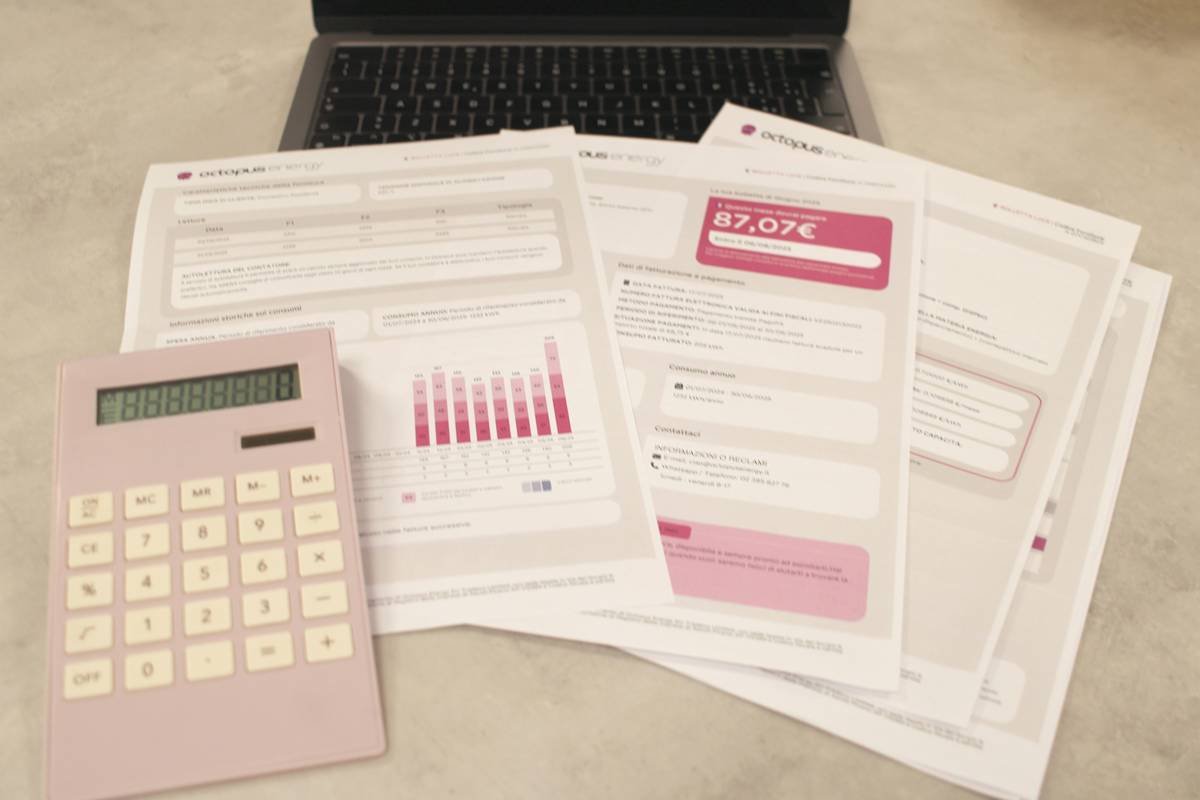
Ever stared at your bank account on the 15th of the month and wondered where all your cash disappeared? Spoiler alert: You’re not alone. Most people spend hours trying to piece together their spending, only to end up more confused than when they started. But what if I told you a simple monthly expenses template could save your sanity—and maybe even some cash?
Table of Contents
- Why You Need a Monthly Expenses Template
- Choosing the Right Coaching App for Your Budget
- How to Use a Monthly Expenses Template Effectively
- Pro Tips to Optimize Your Finances
- Real-Life Success Stories
- FAQs About Monthly Expenses Templates
Key Takeaways
- A well-crafted monthly expenses template can help track spending and identify financial leaks.
- Coaching apps streamline budgeting by integrating templates and personalized advice.
- The right tools combined with consistent habits can transform chaotic finances into clarity.
Why You Need a Monthly Expenses Template
I’ll admit it—I was once guilty of using an Excel sheet titled “Groceries” to track everything from Amazon splurges to random coffee runs. Predictably, my finances were as messy as that spreadsheet. Enter the life-changing discovery: a dedicated monthly expenses template. With categories clearly laid out, from rent to subscriptions, I finally had a clear picture of my spending habits.
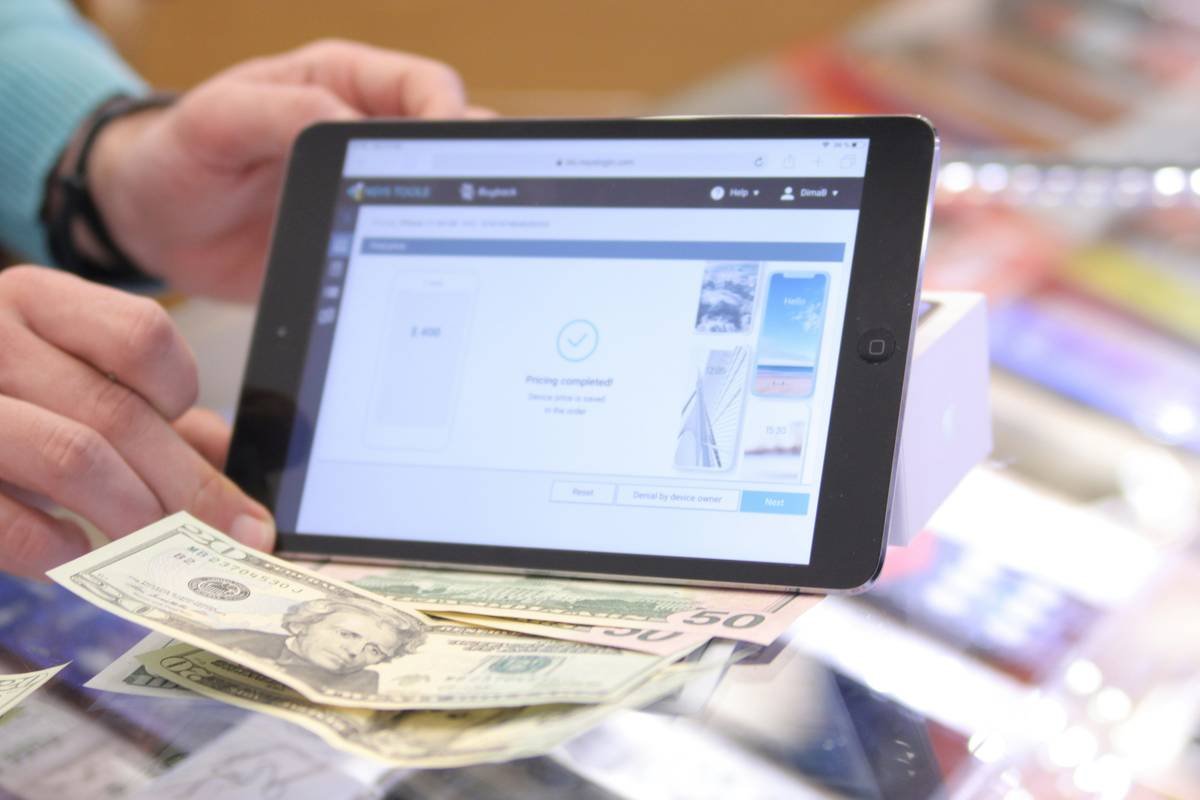
Stats don’t lie either. According to recent surveys, nearly 60% of Americans live paycheck to paycheck—a grim reality driven largely by poor expense tracking. A solid template gives structure to this chaos, making it easier to allocate funds wisely.
Choosing the Right Coaching App for Your Budget
Optimist You: *“There are so many great coaching apps out there!”*
Grumpy You: *“Yeah, but which ones actually work without breaking the bank?”*
Finding the perfect coaching app isn’t about going for the flashiest option; it’s about finding what fits YOUR needs. Here’s how:
Evaluate Features That Matter
- Does it integrate a monthly expenses template easily?
- Does it offer actionable insights rather than just tracking numbers?
Consider Pricing Plans
Some apps charge $20/month while others have freemium versions. Rant moment: Why do companies think we’re okay paying premium prices for basic features?! Look for apps offering free trials or tiered pricing based on usage.
How to Use a Monthly Expenses Template Effectively
Here’s the step-by-step process to get the most out of your monthly expenses template:
Step 1: Categorize Spending
Divide expenses into fixed (rent, utilities) and variable (dining, entertainment). This makes identifying areas to cut back incredibly simple.
Step 2: Sync with Coaching Apps
Apps like YNAB (You Need A Budget) or Mint seamlessly connect to your accounts and update automatically—saving you hours of manual entry.
Step 3: Review Weekly
Schedule weekly check-ins to ensure you’re staying within limits. Bonus tip: Pair these reviews with your favorite beverage for motivation (*ahem*, coffee).
Pro Tips to Optimize Your Finances
- Automate Savings. Set aside a small percentage of income directly into savings via your banking app before allocating anything else.
- Prioritize Essentials First. Pay non-negotiables like rent first, then allocate remaining funds accordingly.
- Cut Unused Subscriptions. Unsubscribe from services you forgot existed—yes, including that gym membership collecting dust.
Terrible Tip Alert: Ignore automation entirely and rely solely on memory. Spoiler: It’s doomed to fail.
Real-Life Success Stories
Meet Sarah, a freelance graphic designer who clawed her way out of debt using a combination of coaching apps and a killer monthly expenses template. By cutting unnecessary subscriptions and sticking to her plan religiously, she paid off $15,000 in two years.
Another success story? John, a teacher who increased his retirement contributions by reallocating groceries and dining budgets thanks to better organization through templates and apps.
FAQs About Monthly Expenses Templates
Q: Do I really need an app if I already use Excel?
Absolutely not, but apps provide real-time updates and reminders that static spreadsheets lack.
Q: What should I look for in a good template?
Look for one with pre-built categories, visual charts, and formulas for automatic calculations.
Q: How often should I update my template?
Daily recording ensures accuracy, but aim for at least weekly summaries.
Conclusion
Budgeting doesn’t have to feel like pulling teeth. Armed with a powerful monthly expenses template, integrated coaching apps, and disciplined habits, anyone can take control of their personal finance journey. So go ahead—grab that coffee, open your app, and start owning your money today.
“Cha-ching!” 💰

